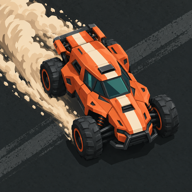
 Dust Circuit
Racing game for PC, free
Eight cars, weapons, ramps and the zone closing in, played on the keyboard. On Windows Dust Circuit has no ads and no purchases: everything unlocks by racing.
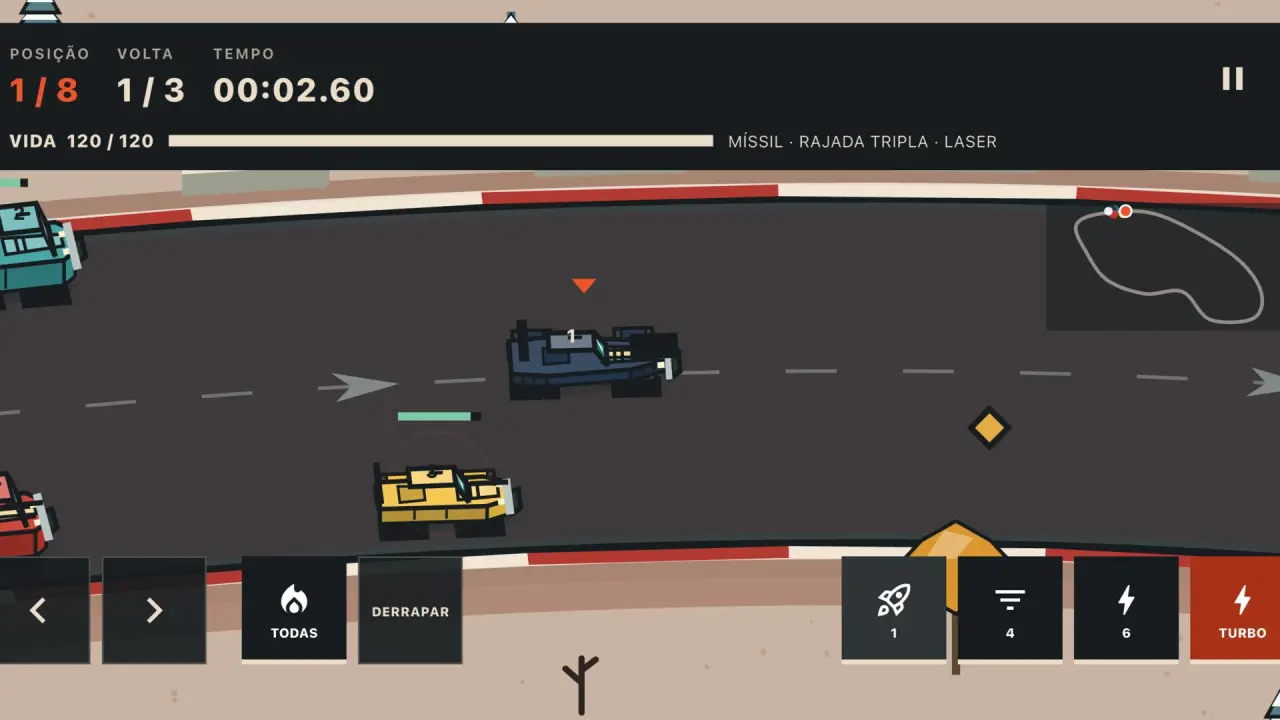
Keyboard controls
- Steeringleft arrowright arrow or AD. The car accelerates on its own.
- Brake and driftdown arrow or S, to hold a tight corner.
- BoostSpace fires the stored nitro.
- ShootX fires the car's weapons.
- Item boxC uses the power you picked up on the track.
- PauseEsc pauses and resumes. The on-screen buttons also work with the mouse.
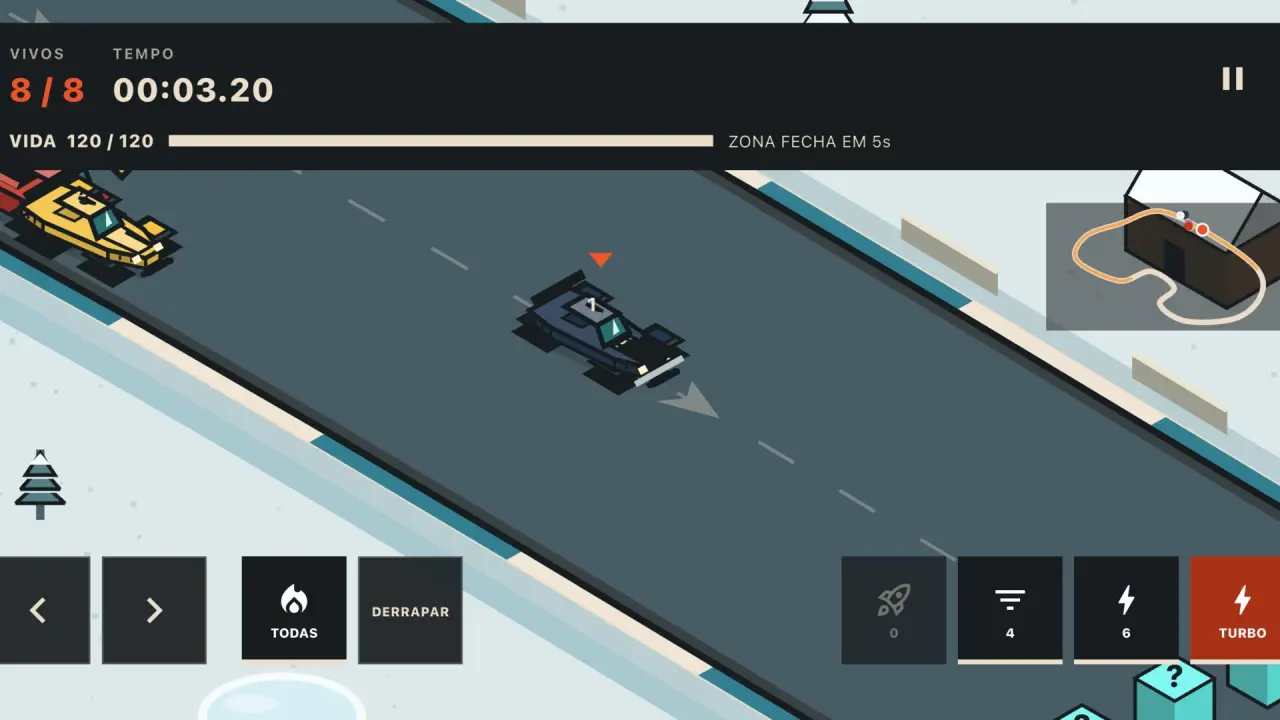
Battle Royale
The zone closes along the track and the last car standing wins, against bots offline or in an online room. Battle Royale rules
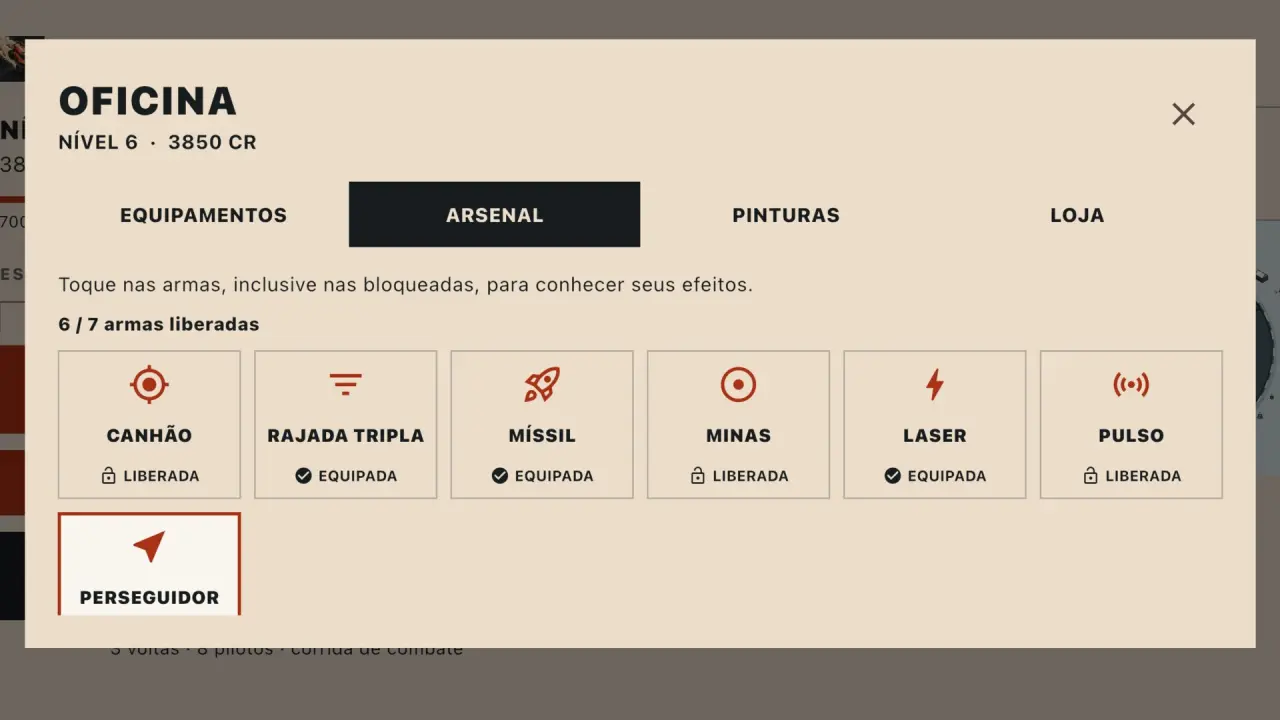
Seven weapons
From the cannon to the homing missile, stacked on the same car, each with its own charges per lap. The 7 weapons and item boxes
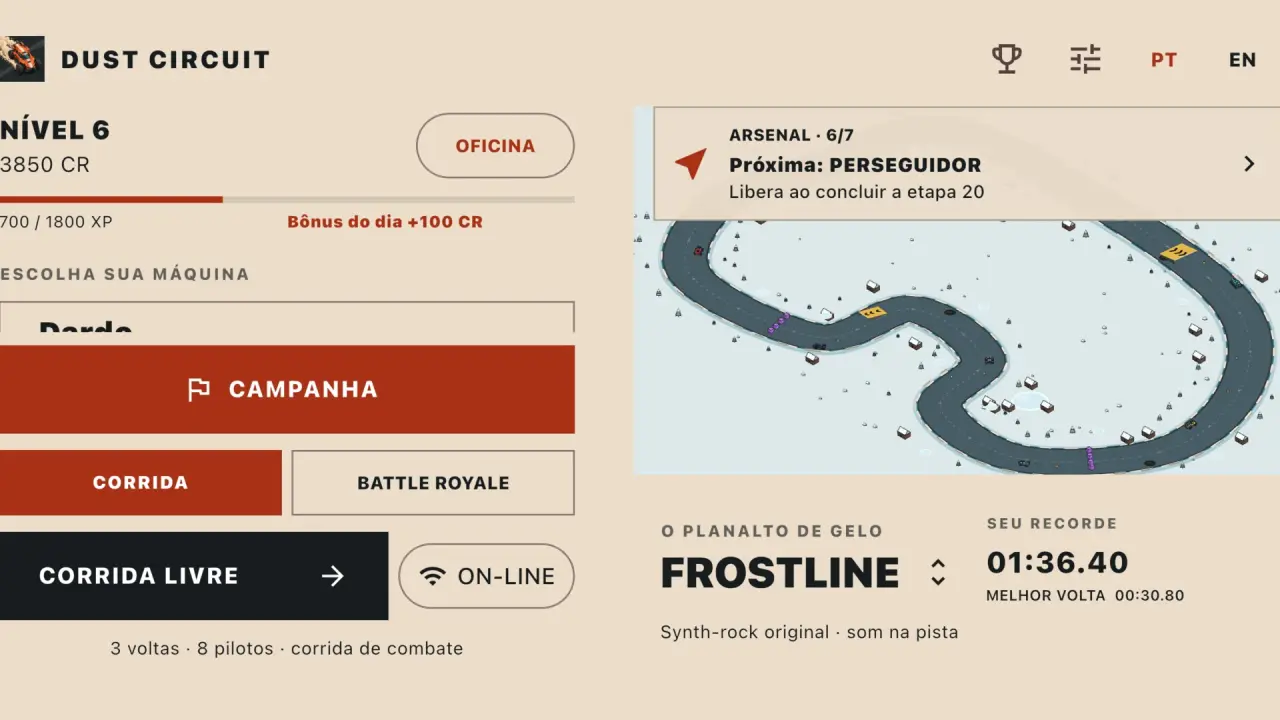
PC against phone
The same online room brings together players on PC, iPhone, Android and the browser. How to play with friends
Questions
Is Dust Circuit free on PC?
Yes. On the Microsoft Store the game is free, with no ads and no purchases. Parts, paint jobs and weapons are only earned by racing.
What are the keyboard controls?
The car accelerates on its own. Steer with the arrows or A and D, brake and drift with the down arrow or S, boost with Space, shoot with X, use the item box with C and Esc pauses. The on-screen buttons also work with the mouse.
Which Windows do I need?
Windows 10 (version 1809) or newer, or Windows 11, on a 64-bit PC.
Can I play on PC without internet?
Yes. The 41-stage championship and the Battle Royale against bots work offline. The internet is only used for the online mode with friends.
Can I play with friends who are on their phones?
Yes. The online room brings together players on PC, iPhone, Android and the browser: create a room, send the code and bots fill it up to eight cars.
All Dust Circuit modes · The 18 offline circuits · Em português · En español